
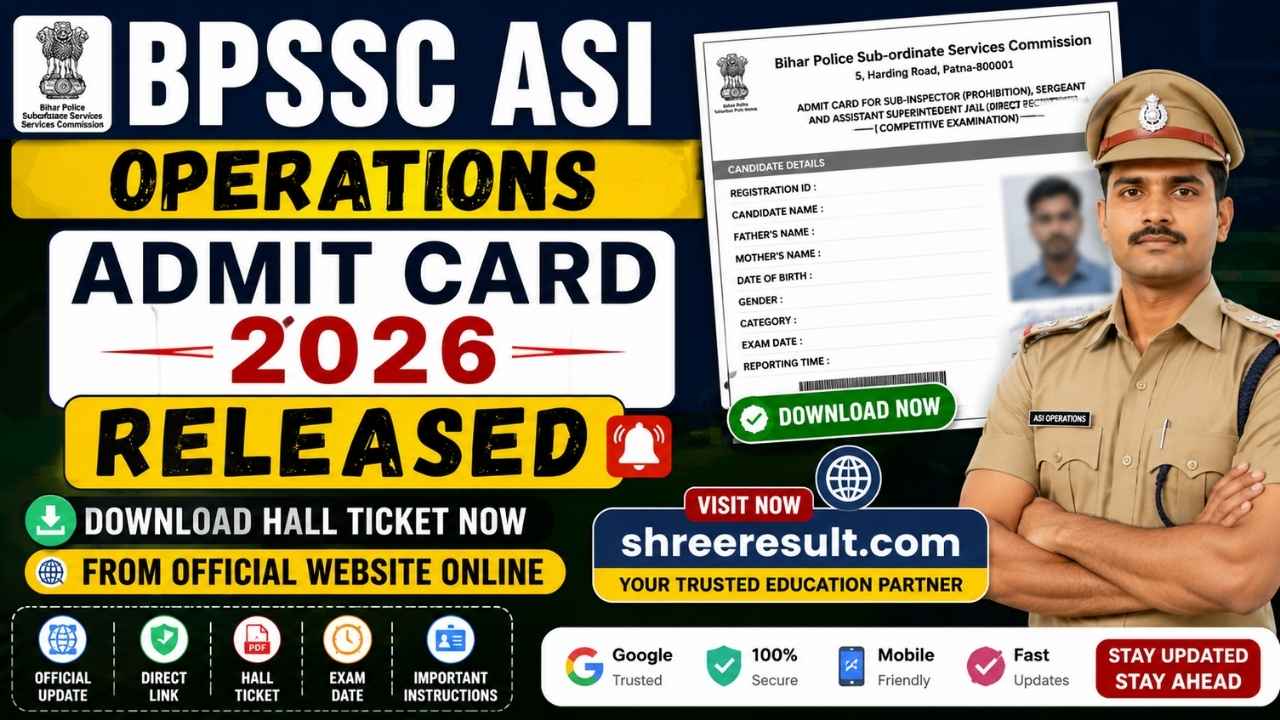
The Bihar Police Subordinate Services Commission has officially released the BPSSC ASI Operation Admit Card 2026 for candidates who successfully applied under Advertisement Number 04/2026. Applicants can now download their admit cards by visiting the official BPSSC recruitment portal using their registration details.
The admit card is one of the most important documents required for the examination. Without it, candidates will not be allowed to enter the examination centre. Apart from the admit card, candidates must also carry a valid photo identity proof for verification purposes.
If you are preparing for the BPSSC Assistant Sub Inspector Operation recruitment examination, this complete guide explains everything you need to know including the admit card release date, exam schedule, download procedure, required documents, important instructions, common mistakes to avoid, and frequently asked questions.
BPSSC ASI Operation Admit Card 2026 Overview
The Bihar Police Subordinate Services Commission is conducting the recruitment process for the Assistant Sub Inspector Operation post through Advertisement Number 04/2026. The written examination is scheduled to be conducted in offline mode.
Candidates who submitted their application forms within the prescribed dates can now access their admit cards through the official recruitment portal. The admit card contains all important examination details including the candidate’s name, roll number, reporting time, examination venue, and important guidelines.
| Particular | Details |
|---|---|
| Recruitment Authority | Bihar Police Subordinate Services Commission |
| Post Name | Assistant Sub Inspector Operation |
| Advertisement Number | 04/2026 |
| Article Name | BPSSC ASI Operation Admit Card 2026 |
| Admit Card Status | Released |
| Admit Card Release Date | 07 July 2026 |
| Exam Mode | Offline Written Examination |
| Preliminary Exam Date | 22 July 2026 |
| Official Website | apply-bpssc.com |
BPSSC ASI Operation Recruitment 2026 Important Dates
Candidates should remember every important event related to the recruitment process. Missing any date may create unnecessary problems during the examination process.
| Event | Date |
|---|---|
| Notification Released | 03 February 2026 |
| Online Application Started | 04 February 2026 |
| Last Date to Apply | 04 March 2026 |
| Last Date for Fee Payment | 04 March 2026 |
| Admit Card Released | 07 July 2026 |
| Exam Centre Details Available | 17 July 2026 |
| Preliminary Written Examination | 22 July 2026 |
| Result Declaration | To Be Announced |
Why the BPSSC ASI Operation Admit Card Is Important
The admit card is much more than an entry pass for the examination hall. It acts as an official identity document issued by the commission for the recruitment examination.
Every candidate must carefully verify all details printed on the admit card immediately after downloading it. Any discrepancy should be reported to the commission before the examination date.
The admit card generally contains:
- Candidate’s name
- Roll number
- Registration number
- Photograph
- Signature
- Father’s name
- Category
- Date of birth
- Examination date
- Reporting time
- Examination shift
- Examination centre name
- Complete examination address
- Important examination instructions
Candidates are advised to keep multiple printed copies of the admit card to avoid last minute inconvenience.
How to Download BPSSC ASI Operation Admit Card 2026
Downloading the admit card is a simple process. Follow the steps carefully.
Step 1
Visit the official BPSSC recruitment website.
Step 2
Open the homepage and find the notification titled “Download BPSSC ASI Operation 04/2026 Written Exam Admit Card.”

Step 3
Click on the admit card download link available on the page.
Step 4
Enter your Registration Number.
Step 5
Enter the Mobile Number used during the online application.
Step 6
Enter your Date of Birth.
Step 7
Fill in the Security Captcha correctly.
Step 8
Click on the Submit button.
Step 9
Your admit card will appear on the screen.

Step 10
Download the PDF and take at least two clear printouts for future use.
Details Mentioned on the Admit Card
Candidates should carefully verify the following information after downloading the admit card.
- Candidate Name
- Registration Number
- Roll Number
- Father’s Name
- Date of Birth
- Gender
- Category
- Photograph
- Signature
- Examination Date
- Reporting Time
- Shift Timing
- Examination Centre
- Centre Code
- Important Instructions
If any information is incorrect, candidates should immediately contact the commission before the examination.
Documents Required at the Examination Centre
Candidates must carry the following documents on the examination day.
- Printed Admit Card
- Original Aadhaar Card or any Government Photo Identity Card
- Passport Size Photograph if required
- Blue or Black Ball Point Pen
Candidates without valid identity proof may not be permitted to appear in the examination.
Important Instructions for Candidates
Candidates should strictly follow all instructions issued by the Bihar Police Subordinate Services Commission.
Reach the examination centre well before the reporting time.
Carry only permitted items inside the examination hall.
Do not carry mobile phones, smart watches, Bluetooth devices, calculators, electronic gadgets, or study material.
Follow all examination hall instructions provided by invigilators.
Avoid any unfair means during the examination as it may lead to cancellation of candidature.
Read every instruction printed on the admit card before appearing for the examination.
Common Reasons for Download Problems
Some candidates may face difficulties while downloading the admit card. The most common reasons include:

- Incorrect registration number
- Wrong mobile number
- Incorrect date of birth
- Server traffic due to heavy demand
- Slow internet connection
- Browser compatibility issues
If the website is slow, candidates should wait for some time and try again.
What to Do If You Forget Your Registration Number
Candidates who have forgotten their registration number should check the following sources.
- Application confirmation email
- SMS received during registration
- Printed application form
- Payment receipt
- Login dashboard on the recruitment portal
These documents generally contain the registration details.
Examination Day Guidelines
Candidates should reach the examination centre at least one hour before the reporting time.
Verify the examination hall and room number before entering.
Carry only the required documents.
Maintain discipline throughout the examination.
Read all instructions before attempting the question paper.
Fill the OMR sheet carefully without making unnecessary markings.
Submit the answer sheet only after receiving instructions from the invigilator.
Preparation Tips Before the Examination
As the examination date is approaching, candidates should focus on revision instead of learning completely new topics.
Revise previous notes daily.
Solve previous year question papers.
Practice mock tests.

Improve time management.
Sleep properly before the examination.
Carry all documents one day in advance to avoid panic.
Mistakes to Avoid
Many candidates lose marks or face unnecessary issues because of avoidable mistakes.
Do not reach the examination centre late.
Do not forget your admit card.
Do not carry prohibited electronic devices.
Do not sign the attendance sheet incorrectly.
Do not make multiple answers on the OMR sheet.
Do not panic during the examination.
Selection Process
The BPSSC ASI Operation recruitment generally consists of multiple stages.
- Preliminary Written Examination
- Main Written Examination
- Physical Efficiency Test if applicable
- Document Verification
- Medical Examination
- Final Merit List
Candidates must qualify each stage to move forward in the recruitment process.
Exam Pattern Overview
The preliminary examination is expected to be conducted in offline mode using objective type questions.
Candidates should carefully read the official notification for the latest syllabus, marking scheme, qualifying marks, and examination guidelines.

Direct Download Link
Candidates can download the BPSSC ASI Operation Admit Card 2026 by visiting the official recruitment portal and logging in with their Registration Number, Mobile Number, Date of Birth, and Captcha Code.
Final Words
The release of the BPSSC ASI Operation Admit Card 2026 marks an important step in the recruitment process. Candidates should download their admit cards as early as possible, verify every detail carefully, and make all necessary preparations before the examination date.
Do not wait until the last day to download your hall ticket because heavy website traffic may cause delays. Keep multiple printed copies, carry a valid photo ID, and reach the examination centre well before the reporting time.
Proper preparation, careful planning, and following all examination instructions will help candidates complete the examination process smoothly.
Frequently Asked Questions
When was the BPSSC ASI Operation Admit Card 2026 released?
The admit card was officially released on 07 July 2026.
What is the BPSSC ASI Operation Preliminary Exam Date?
The preliminary written examination is scheduled to be held on 22 July 2026.
What credentials are required to download the admit card?
Candidates need their Registration Number, Mobile Number, Date of Birth, and Captcha Code.
Is it mandatory to carry a photo identity proof?
Yes. Along with the admit card, candidates must carry a valid government issued photo ID for verification.
Can I appear in the examination without the admit card?
No. Entry into the examination hall will not be allowed without the printed admit card.
What should I do if there is an error on my admit card?
Immediately contact the Bihar Police Subordinate Services Commission through the official recruitment portal before the examination date.
Is the examination conducted online?
No. The examination will be conducted in offline mode.
How many copies of the admit card should I print?
It is advisable to print at least two or three copies for safety.
What items are prohibited inside the examination hall?
Mobile phones, smart watches, calculators, Bluetooth devices, electronic gadgets, books, notes, and any unfair means are strictly prohibited.
Where can I download the BPSSC ASI Operation Admit Card 2026?
Candidates can download the admit card from the official BPSSC recruitment website by logging in with their application credentials.